02 / UI/UX design Open to design briefs

Interfaces that
feel obvious.

I design product interfaces in Figma, from user research and flows to wireframes and clickable, high-fidelity prototypes.

Case studies

Selected design work

Click any preview to flip through the screens. Every project links to its live Figma prototype.

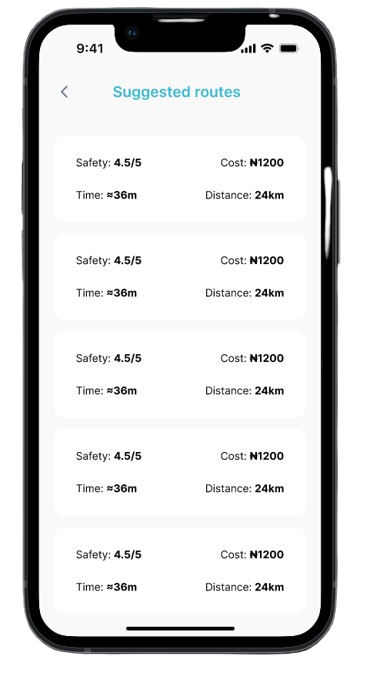
Routify home screen
03 screens
Team project · Transit

Routify

A public transport app that guides commuters step by step between checkpoints, from route search to comparing suggested routes. I owned the wireframes, low- and high-fidelity screens, and the prototype.

WireframesLo-fiHi-fiPrototype
Open prototype ↗
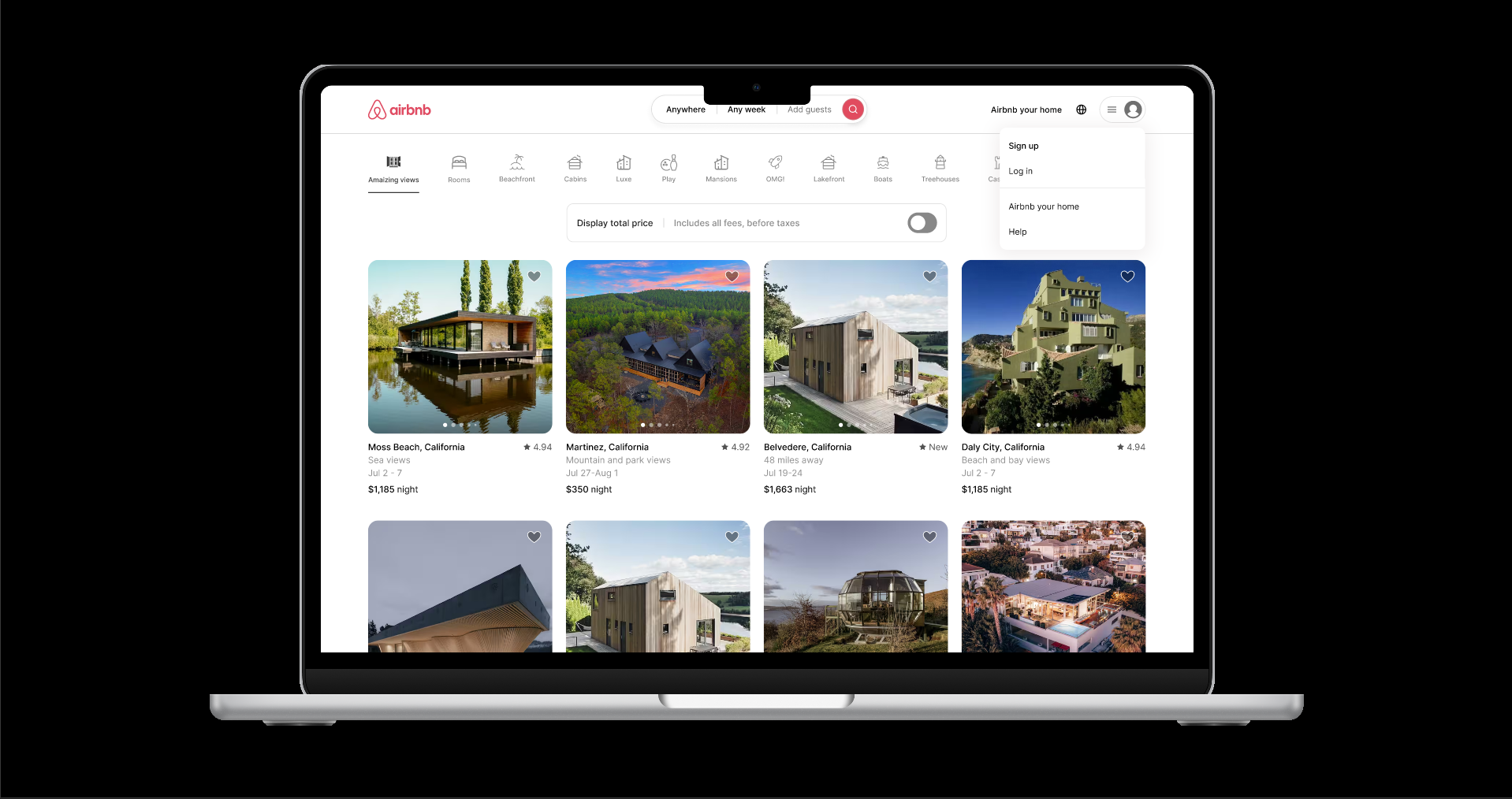
Airbnb browse screen
03 screens
Personal project · Redesign

Airbnb sign-up & log-in

A rebuild of Airbnb's full account access flow: the nav menu, the log-in and sign-up modal, phone verification and social sign-in.

Flow mappingHi-fiPrototype
Open prototype ↗
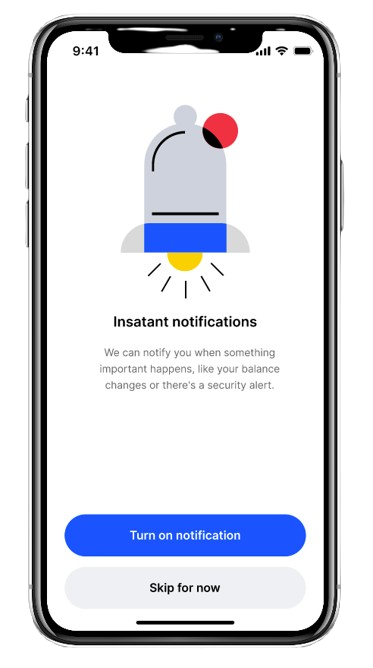
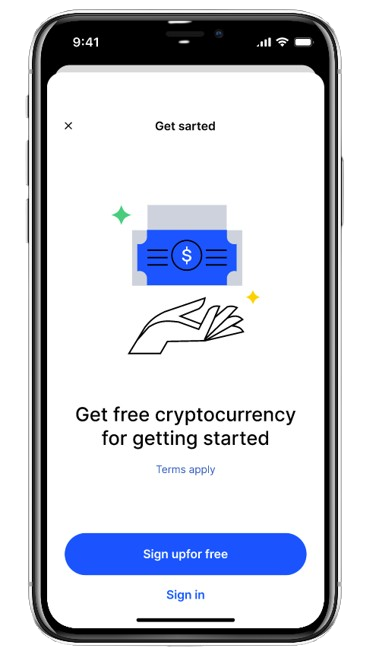
Crypto app screen with a custom illustrated icon
06 screens
Personal project · Fintech

Crypto onboarding

An onboarding flow from account creation through ID verification, built around custom illustrated icons and shapes drawn from scratch in Figma.

Custom iconsOnboardingPrototype
Open prototype ↗
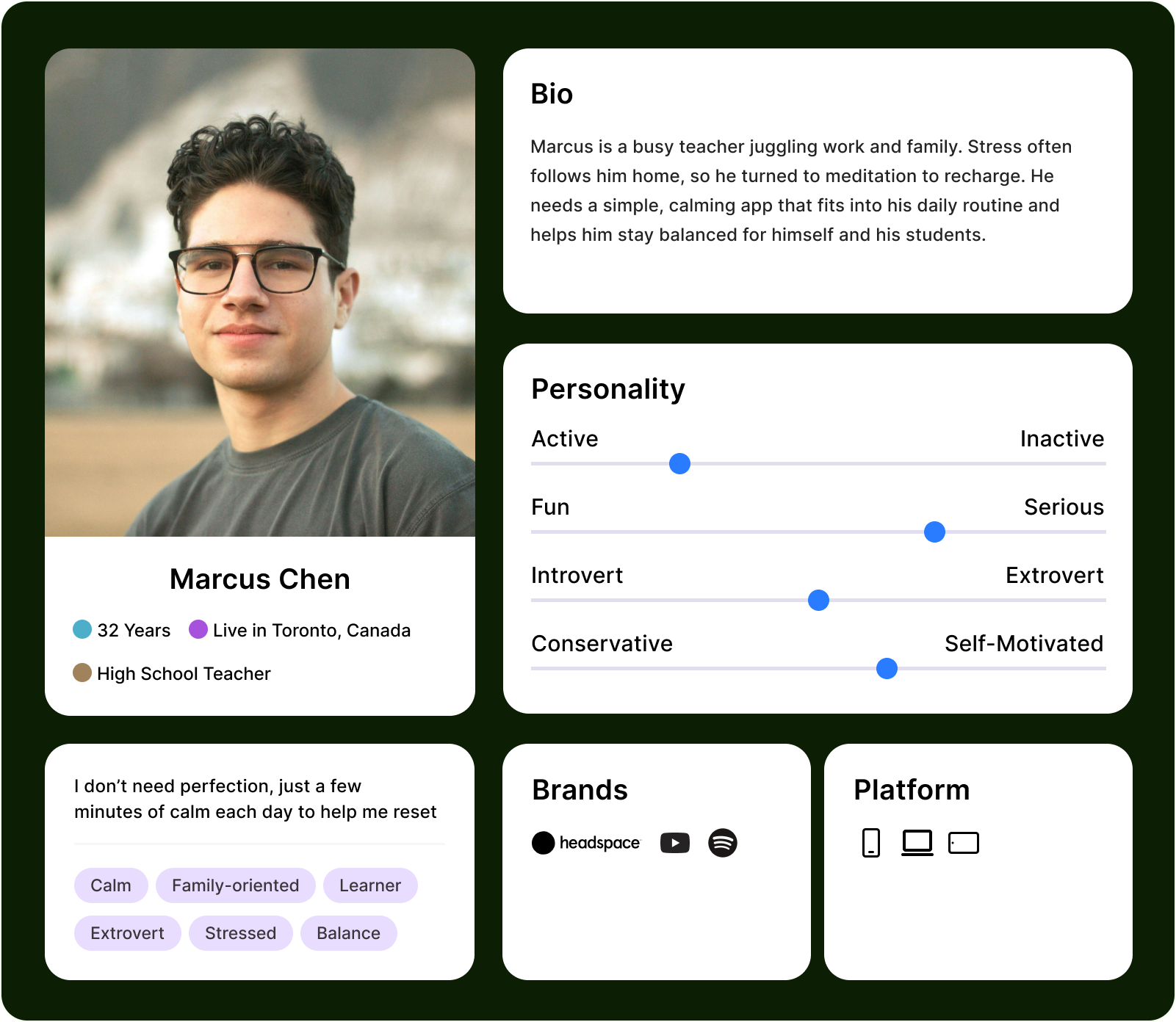
Persona card for Esther, a meditation app user
03 personas
Research · Wellness

Meditation app personas

Three user personas that turn research into goals, needs and pain points, giving the design a clear direction before any screens exist.

User researchPersonasSynthesis
Open in Figma ↗
Process

How I design

Structure before style. Every decision traces back to what the user needs at that step.

01

Research & flows

Map the journey before touching a screen: who the user is and what they need at each step.

02

Low-fidelity wireframes

Structure and hierarchy first, with no colour or type decisions yet.

03

High-fidelity screens

Real type, colour and spacing. This is where the screens start to look shippable.

04

Interactive prototype

Linked, clickable flows in Figma for testing and stakeholder review.